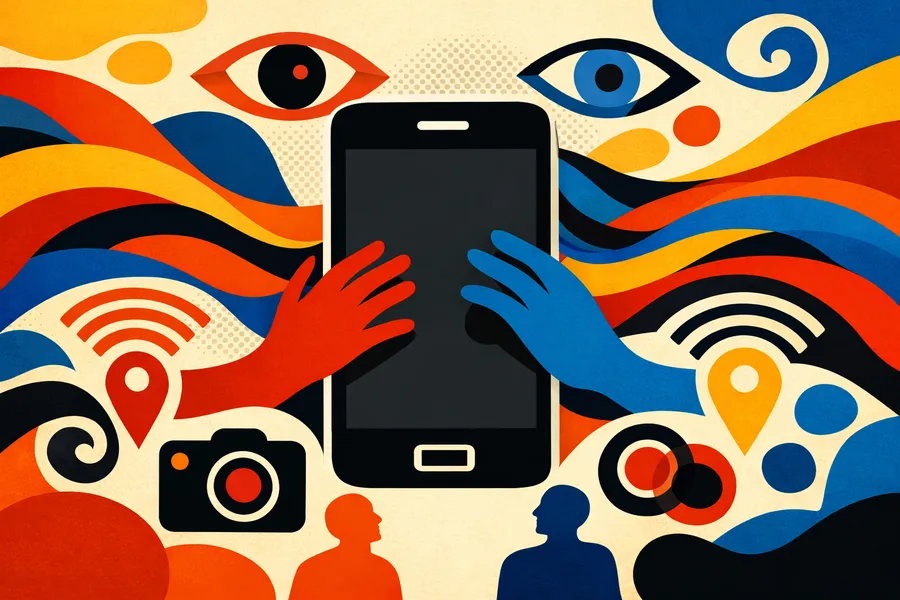
Smartphone privacy business data begins with a simple realisation: the phone is part of the company infrastructure. Every time an entrepreneur answers a client, opens a quote on the move, takes a photo on site or reaches a shared folder, that device carries work that used to sit on an office computer. Most companies still treat the smartphone as a personal device with some professional use, while it holds email, conversations, documents, photos, credentials, cloud access, customer data and commercial information.
The phone is an access point
A modern smartphone collects, stores and transmits a great deal. Photos, files received in chat, email attachments, saved credentials, location, notifications, cloud accounts, work applications and personal tools share the same environment. When the company has no minimum rules, the risk grows quietly: work documents saved in personal spaces, photos with location metadata shared without control, work accounts reachable from private phones, applications with excessive permissions, automatic backups to personal clouds, devices used by several people, phones lost without a blocking procedure and credentials saved without review. The starting point is a simple map of who uses which device, for which activities and with which data.
Five areas to control
The first is access. Every device holding company data should have a screen lock, strong authentication, unshared passwords and, where possible, multi-factor verification on work accounts. The accounts that matter most are the ones that open wider doors: corporate email, cloud storage, management systems, CRM, document platforms and administrative panels.
The second is applications and permissions. Many apps request broad access to location, microphone, camera, contacts, files and background activity. Each permission should have an operational reason. An app used for personal purposes can reach company data indirectly when the device does not separate contexts, accounts and archives well.
The third is photos, files and metadata. Images can carry information that is not visible at a glance, including location, date, device and shooting context. That matters for building sites, clients, documents, products, suppliers and internal spaces. Companies that use images and attachments heavily should define where files are stored, how they are shared, when metadata is removed and which channels to use.
The fourth is cloud, backup and synchronisation. Automatic backup is useful when it is governed, and risky when it copies company data to personal accounts or to services the organisation did not choose. The problem often surfaces later, when a phone is replaced, an employee changes role, an external collaborator keeps documents or a personal account is used for work exchanges. Continuity requires clear rules on authorised spaces, corporate accounts, retention and revocation of access.
The fifth is personal devices used for work. In small companies it is common to use a personal phone for professional activity. That can work when it is managed: which data can be consulted, which apps to use, which accounts to configure, what to do if the device is lost, how to separate work from personal use and when to revoke access. The point is to choose the level of risk consciously, while allowing flexible use where it makes sense.
A minimum policy beats isolated settings
Protecting company data on smartphones rarely requires complex technology. A minimum policy can clarify which devices are authorised, which accounts may be configured, which apps to use for documents and communication, which data may be stored locally, how to handle photos and attachments, how to enable locks, updates and authentication, what to do after loss or theft, who can revoke access and which tools remain personal. These rules reduce ambiguity and emergency interventions.
The topic connects directly to ICT systems integration and to the minimum management of digital infrastructure: devices, access, environments, updates, backups and operational continuity. A digital and operational assessment reads the picture in order, showing which tools are in use, which data passes through smartphones and cloud services, which accesses remain uncovered and which interventions have priority. The main benefit is making visible a risk that hides in daily routine.
The point for small businesses
SMEs often notice the problem only when something happens: a lost phone, a compromised account, a document shared in the wrong channel, a photo with sensitive data, a collaborator who keeps access after the relationship ends. The useful work consists of bringing the topic forward, before the emergency. Smartphones, email, cloud services and applications are already part of the company, and they deserve the same attention as servers, management software and document archives. When the answer to what data passes through mobile devices is uncertain, an essential review of tools, access, roles and priorities is the right place to start.
Device-level controls are one part of the picture, and privacy, accessibility and sustainability are the three conditions that increasingly move together in the market.
Have a project in mind?
Do you know where to start?
The goal is to pin down the problem, the priorities and the timing.
Book a first callFrequently asked questions
Do we need special software to secure smartphones?
Not always. A clear policy on access, apps, storage and backup solves much of the problem, and it can be supported by technical controls where the risk justifies them.
Is a personal phone used for work acceptable?
It can be, when it is governed by rules that define what data may be consulted, which apps and accounts to use and how access is revoked.
What is the biggest risk on a work phone?
Reused credentials and automatic backups to personal clouds, because both move company data outside the controlled environment.
Where should a small business start?
With a map of devices, users and data, then a minimum policy that covers authentication, storage, sharing and what to do if a device is lost.
Sources
European Commission — data protection in the EU and the GDPR: https://commission.europa.eu/law/law-topic/data-protection_en
Garante per la protezione dei dati personali: https://www.garanteprivacy.it/
ENISA — mobile security and threat landscape: https://www.enisa.europa.eu/
CISA — cybersecurity guidance for small businesses: https://www.cisa.gov/cybersecurity-small-businesses